
How Ludus Compares
Ludus vs. ThunderTix
With ThunderTix, you’re forced to choose between features and affordability. Simple tasks become complicated—and expensive—thanks to third-party tools, per-feature fees, and setup charges. With Ludus, everything you need is built in. No spreadsheets, no surprise fees, no platforms to juggle.
4 reasons organizations choose Ludus
💡 4 out of 5 organizations that demo Ludus after using ThunderTix switch to Ludus.
1. Lower fees and transparent pricing.
- ThunderTix uses a tiered pricing model, where getting key features means paying higher monthly fees, and even charges per-ticket fees on walk-up sales without a credit card. Even emails cost extra ($0.01 each). They don’t offer a built-in form builder, instead requiring a third-party integration with Paperform.
- Ludus offers transparent pricing, and most tools are built in—no outside logins, upcharges, or hidden tiers.

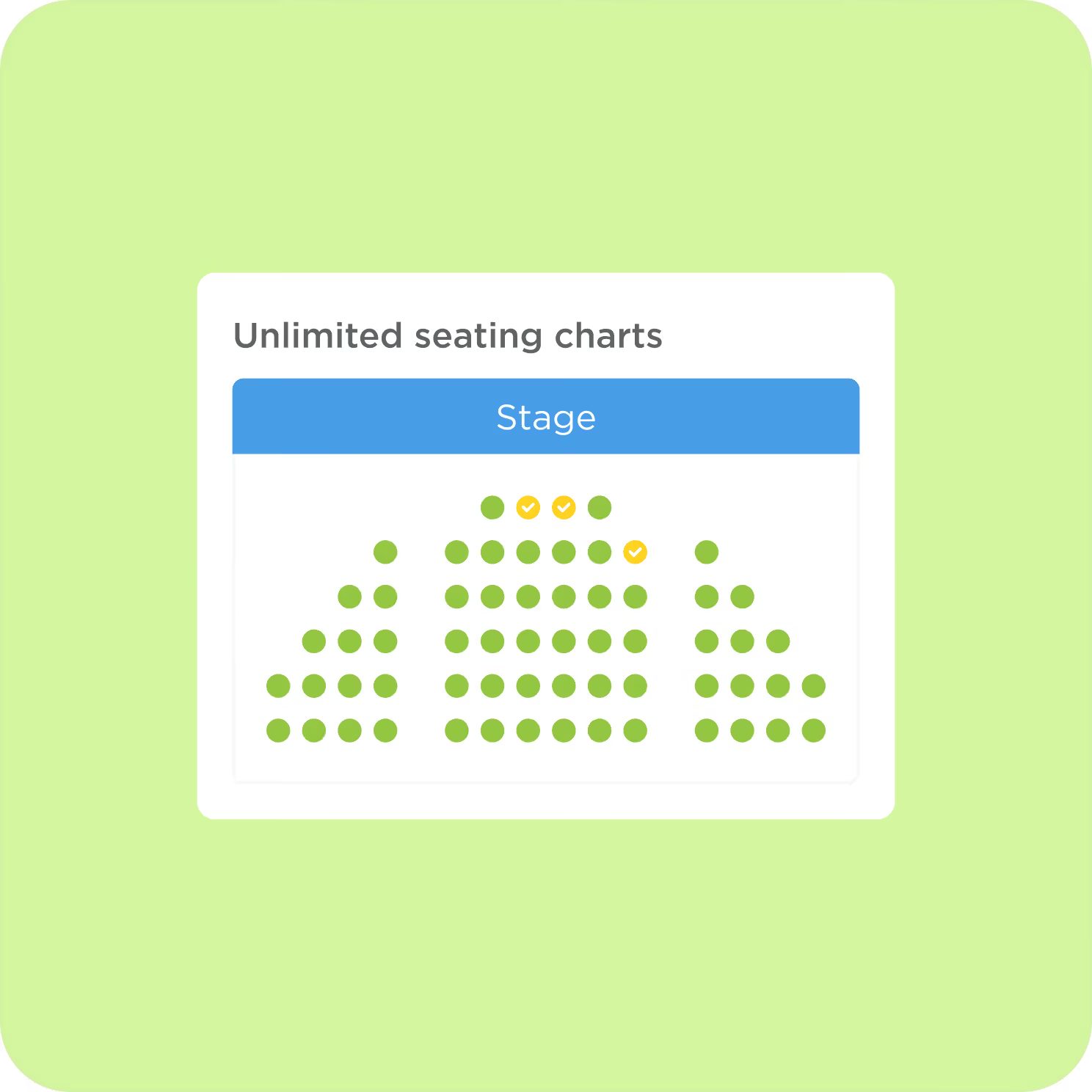
2. Seating charts and printer setup included.
- ThunderTix charges $0.55 per seat (with a $250 minimum) to create your interactive seating chart and charges again if you need changes later. Need multiple venues? Expect multiple setup fees. They also charge setup fees for connecting a ticket printer.
- Ludus includes seating charts, printer setup, and unlimited ticket types at no extra cost. Need help with your multiple seating charts? Our team will build it for you. For free.
3. Built-in payment processing.
- ThunderTix doesn’t offer built-in credit card processing. You must connect an external processor like Square or Stripe, often resulting in additional transaction fees and less control over your patrons’ checkout experience.
- Ludus processes payments for you, keeping fees competitive and straightforward for both you and your audience.


4. Modern ticketing tools and always improving.
- Organizations switching from ThunderTix say that it often feels outdated—limited in design, hard to customize, and reliant on older workflows. Without drag-and-drop tools or modern flexibility, it starts to feel like a step back.
- Ludus is constantly evolving with modern design, drag-and-drop controls, and new features released year-round, driven by real customer requests.